Product introduction
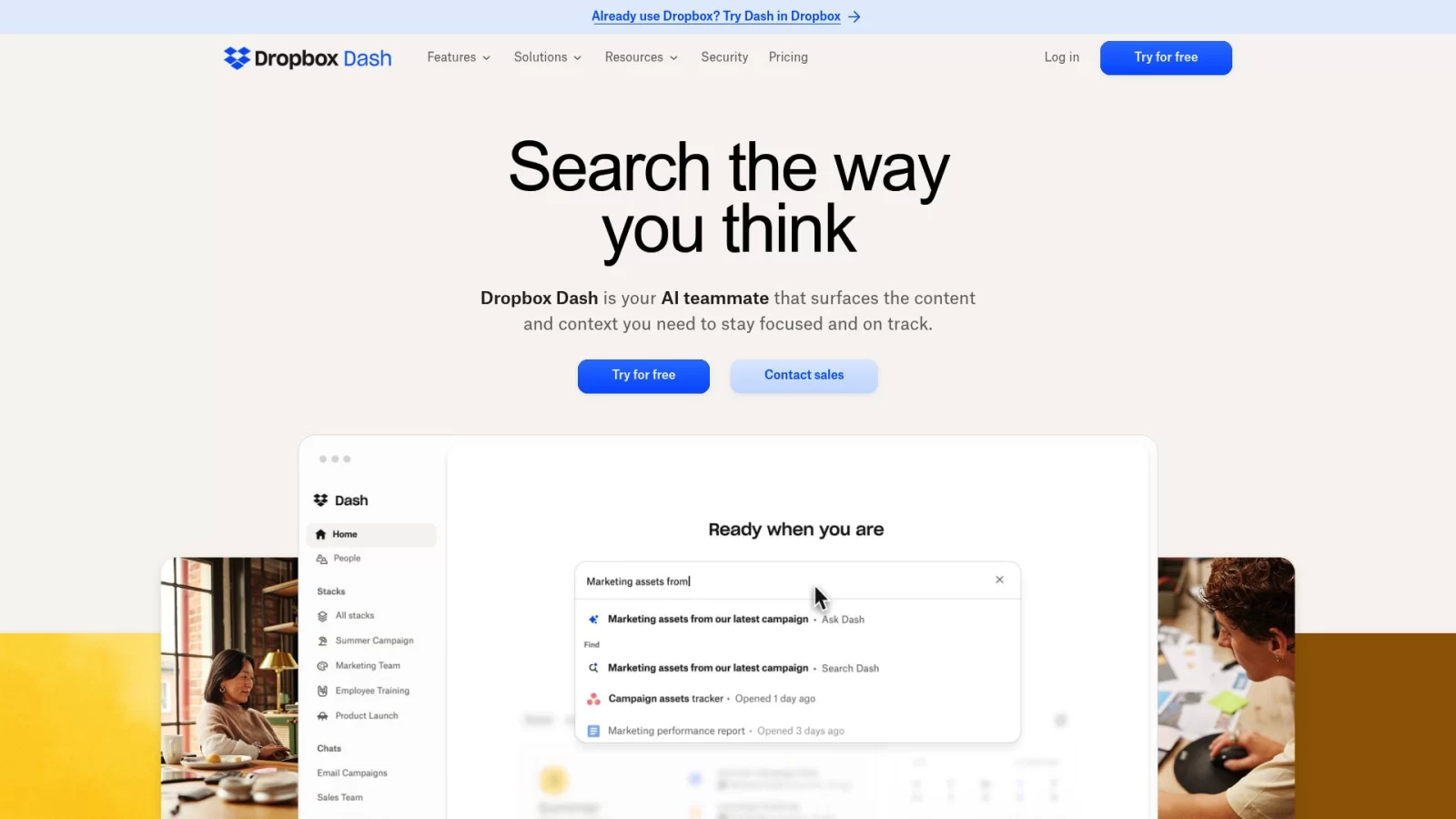
Dropbox Dash is an AI-powered universal search and work hub launched by Dropbox, designed to break down information silos in the modern workplace. By integrating various applications used daily, it creates a unified central platform where team members can instantly retrieve files, links, and key knowledge within a single interface. Unlike traditional fragmented search methods, Dash leverages AI technology to provide real-time intelligent answers and actionable insights, significantly improving the efficiency and accuracy of information retrieval.
Beyond its powerful search capabilities, Dash emphasizes organized information and secure sharing. It supports creating "Smart Stacks" to flexibly associate related content without altering existing folder structures, enabling efficient collaboration. The platform features granular access controls to ensure sensitive data is visible only to authorized personnel, helping enterprises reduce compliance risks. Whether for personal knowledge management or cross-platform team collaboration, Dash frees users from tedious information searches, allowing them to focus on core business activities.
Key Features
- Universal AI Search: Connects mainstream work apps like Google Drive, OneDrive, Slack, and Notion. Users can quickly locate files, media, and people across tools by entering keywords or natural language questions, eliminating the need to switch between multiple applications.
- Interactive AI Q&A: An built-in chat assistant allows users to ask questions directly about document content, automatically extracting key information and generating summaries. Users can quickly grasp essential points without opening original files and receive relevant suggestions and follow-up prompts.
- Smart Stack Organization: Supports combining files, links, and app shortcuts scattered across different locations into "Stacks." This non-hierarchical organization facilitates team collaboration, allowing comments and context to be added to stacks, simplifying the sharing of project materials.
- Personalized Work Dashboard: Provides a centralized dashboard displaying schedules, recent activity, and common tasks. The system recommends relevant content based on user habits, helping individuals plan their daily priorities more efficiently.
- Enterprise-Grade Access Control: Offers fine-grained content access control policies. Administrators can set permission levels for different teams to restrict access to sensitive data. Combined with real-time audit logs, this effectively monitors data sharing behavior and meets enterprise compliance and security requirements.
Use Cases
- Cross-Departmental Project Collaboration: Project managers can integrate project-related documents, communication records, and task lists into a single stack. Team members access the latest progress through a unified entry point and use AI to quickly summarize meeting notes or document highlights, enhancing collaborative efficiency.
- Sales and Customer Management: Sales teams can quickly retrieve customer history, contracts, and requirement analyses. With the help of the AI assistant, they can梳理 customer pain points to assist in formulating more precise service plans while ensuring the secure isolation of customer data.
- Internal Enterprise Knowledge Base: HR or IT departments can centrally manage employee handbooks, policy documents, and training materials. Employees can obtain necessary guidance through natural language queries, reducing repetitive inquiries, while permission settings protect internal sensitive information.
- Marketing Content Coordination: Marketing teams can categorize design drafts, data reports, and campaign assets into specific stacks for easy real-time access and feedback. By analyzing past campaign data via AI, teams can quickly evaluate performance and optimize future strategies.
- R&D and Engineering Collaboration: Development teams can connect tools like Jira and Confluence to quickly track codebase status, task assignments, and technical documentation. A unified search interface reduces distractions caused by context switching, maintaining developer focus.