
Product introduction
TwistlyCells is a high-efficiency AI plugin designed specifically for Microsoft Excel, aiming to simplify spreadsheet processing through artificial intelligence. It serves as an intelligent assistant within the Excel environment, capable of understanding natural language instructions and automatically executing complex tasks, thereby significantly reducing the reliance on advanced Excel skills. Whether generating obscure formulas, performing multilingual translation, or cleaning data, the tool provides instant solutions, freeing users from tedious operations so they can focus on core business decisions.
The platform integrates several cutting-edge AI models, including GPT-4o mini, GPT-4o (omni), GPT-3.5 Turbo, and the Claude series (such as 3.5 Sonnet, Opus, and Haiku), ensuring users can flexibly call upon the most suitable computing power. Additionally, TwistlyCells offers various subscription plans such as Starter, Pro, and Team to accommodate the needs of individual users and team collaboration, comprehensively enhancing work efficiency and output quality.
Key Features
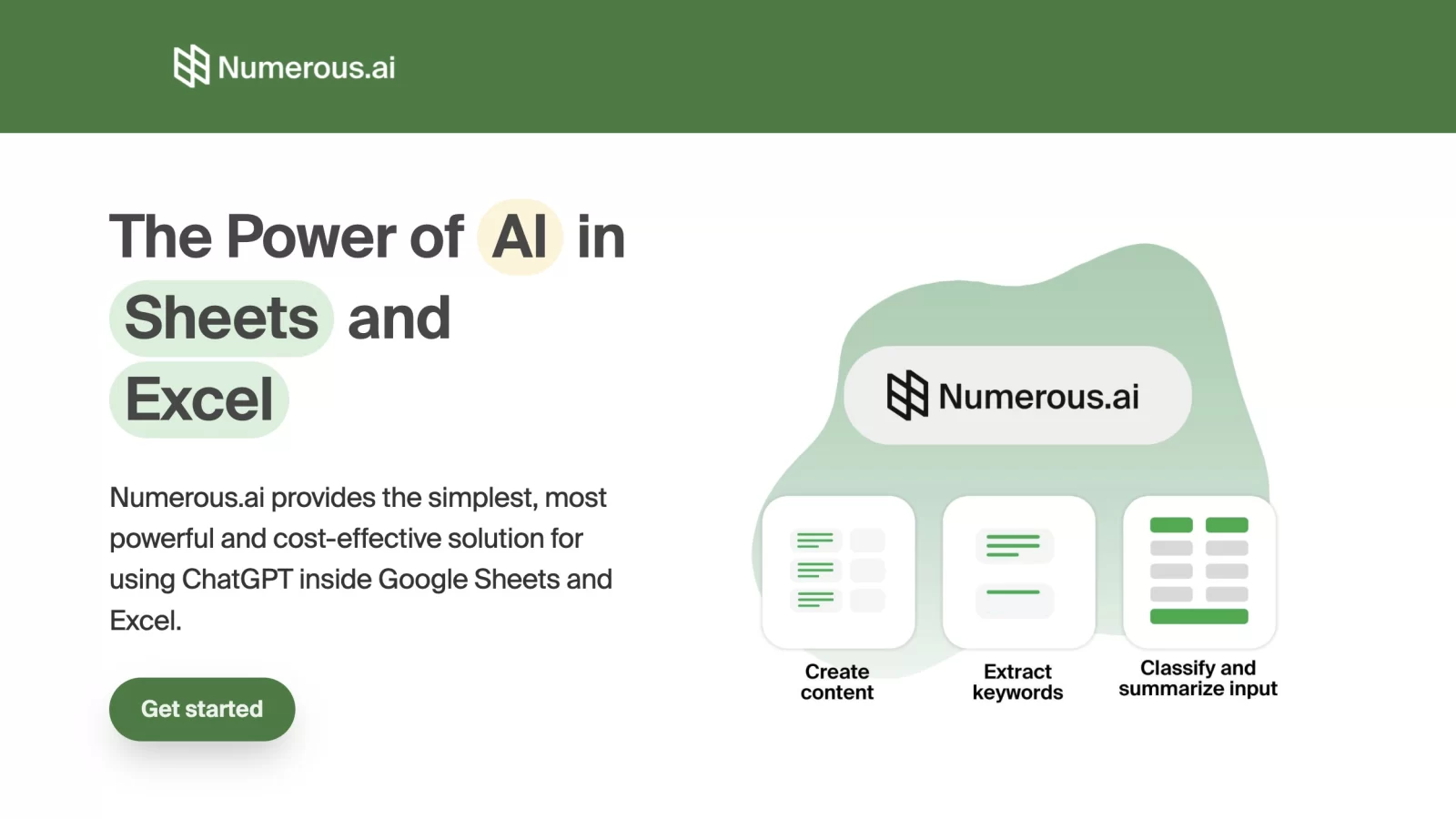
- Natural Language Formula Generation: Users simply input text descriptions (e.g., "Calculate the sum of column A and column B"), and the system automatically generates and applies the corresponding complex Excel formula, eliminating the need to memorize syntax and significantly lowering the programming barrier.
- Multilingual Data Translation: Supports rapid conversion of table content into multiple target languages, removing language barriers in cross-border collaboration and ensuring accuracy and efficiency in data communication.
- Intelligent Data Cleaning: Automatically identifies and fixes data anomalies, including deduplication, format standardization, and missing value imputation, improving data integrity and laying a reliable foundation for subsequent analysis.
- Key Information Extraction & Analysis: Accurately extracts key fields such as dates and contact information from unstructured or semi-structured data, and can generate visual charts and insight reports based on data trends.
- Built-in AI Expert Assistant: Provides a free entry point for AI consultation, answering Excel usage questions and guiding feature techniques at any time, acting as a dedicated technical support consultant for users.
Application Scenarios
- Finance: Assists analysts in quickly building financial statements, automating the calculation of various financial metrics, and ensuring the accuracy of raw data through data cleaning, thereby improving prediction and analysis efficiency.
- Marketing: Helps teams unify the language format of market data across different regions, extract customer profile information, and clean up duplicate records, enabling more precise formulation of marketing strategies and evaluation of their effectiveness.
- Human Resources: Used for managing employee profiles, automatically extracting performance data and calculating assessment metrics, while cleaning redundant information to optimize the formulation of talent development plans.
- Project Management: Assists project managers in tracking progress indicators, extracting key milestone data, and cleaning up errors in project logs, ensuring reasonable resource allocation and controllable risks.
- Education & Research: Teachers can use it for grade analysis and teaching effect evaluation; students can leverage it to quickly complete data cleaning and formula writing assignments, improving learning and research efficiency.