Product introduction
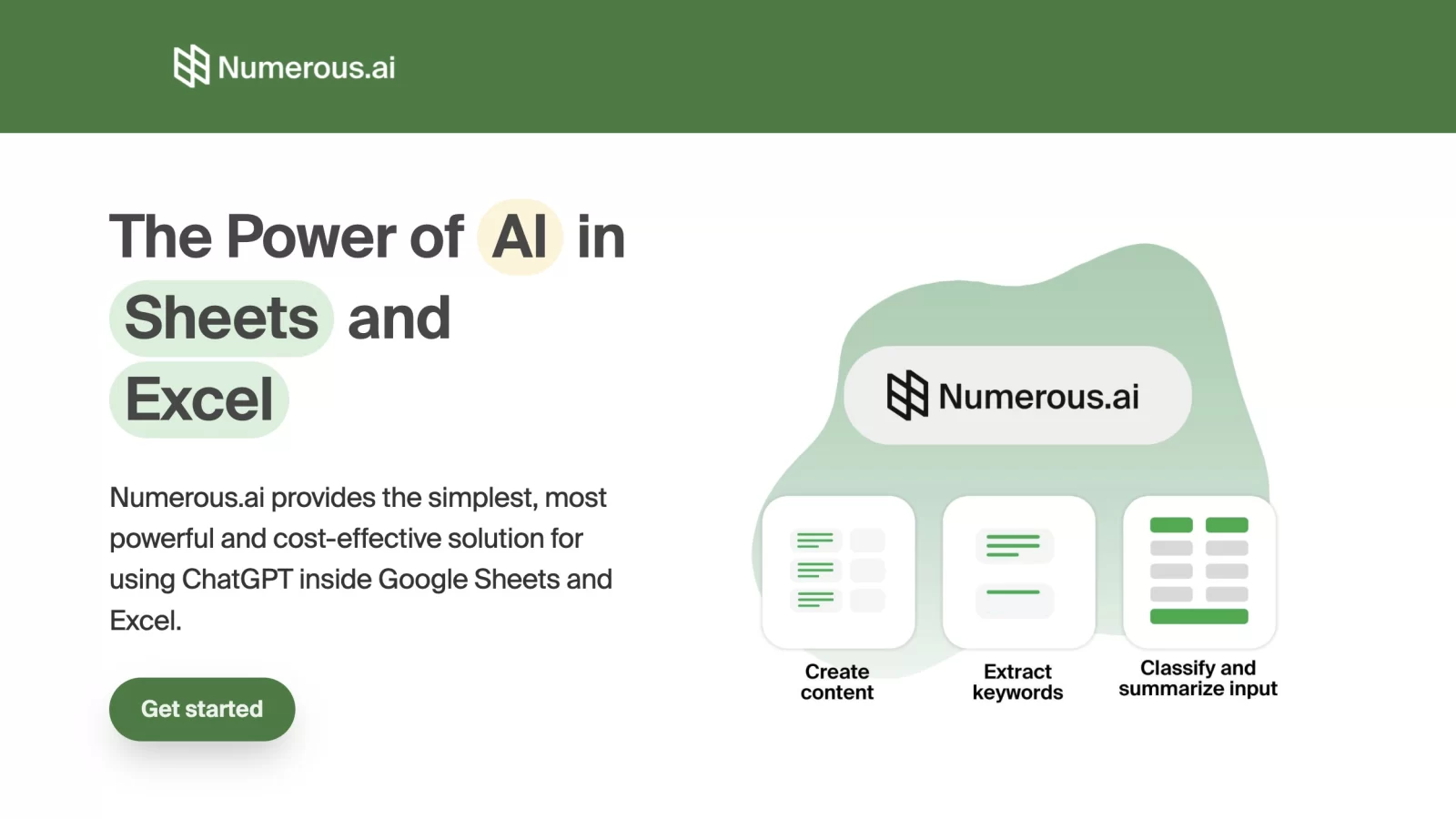
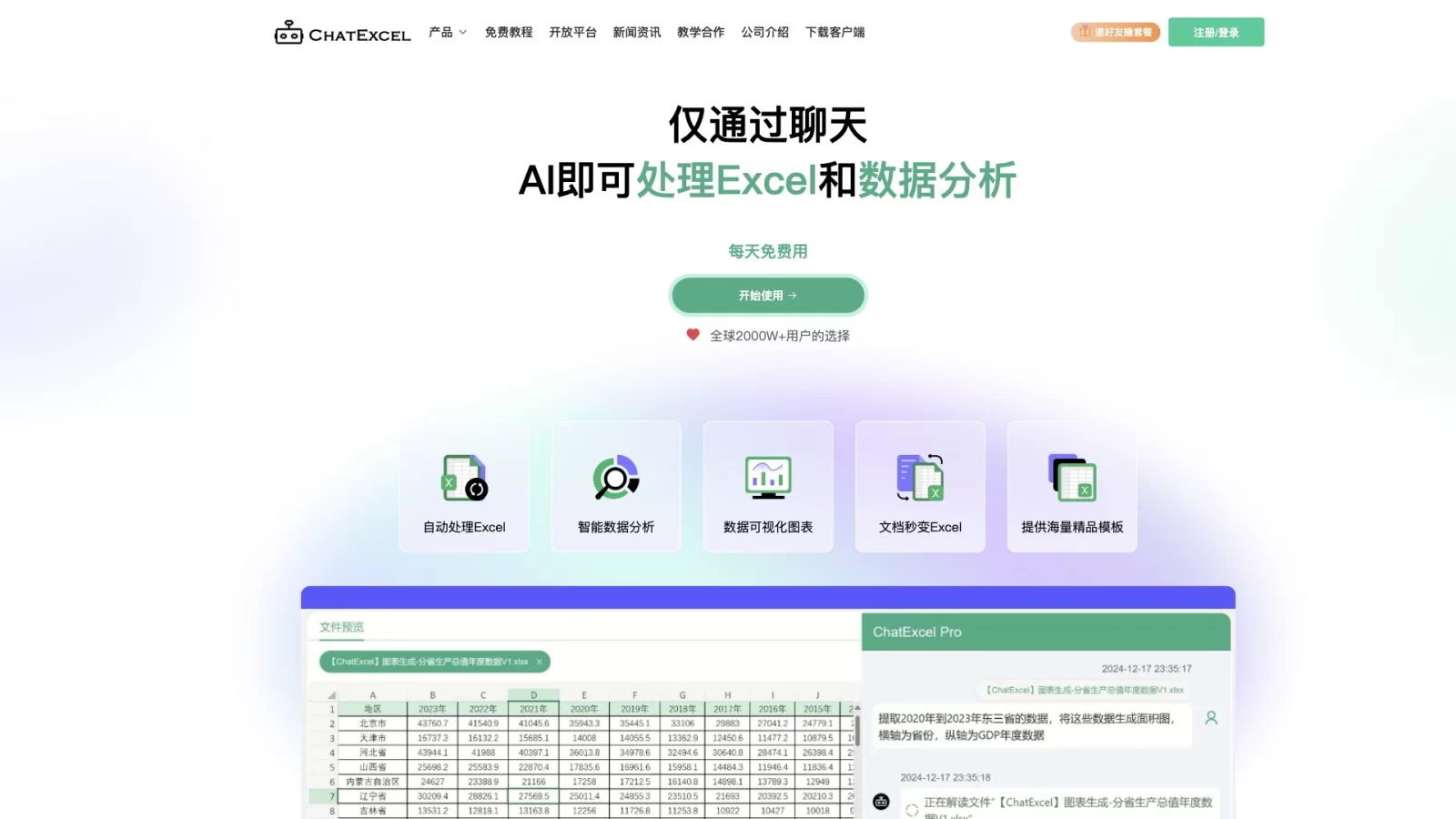
ChatExcel is an AI spreadsheet tool based on natural language interaction, designed to make Excel operations as simple as everyday chatting. Through its advanced AI engine, it accurately understands user text commands and automatically converts them into corresponding Excel formulas or executes data processing actions, significantly lowering the barrier to entry.
Whether you are a beginner lacking Excel basics or a professional seeking efficient office work, ChatExcel enables full-process automation from data cleaning and complex calculations to chart generation. It effectively solves pain points such as tedious manual entry and difficult formula writing, greatly improving work efficiency.
Main Features
- Intelligent Command Parsing & Execution: The core capability lies in driving Excel operations through natural language, automatically completing data organization, cleaning, and analysis tasks without requiring users to master complex software skills.
- AI Formula Generation: Leveraging large model technology similar to ChatGPT, it converts colloquial requirements into precise Excel formulas, including complex logic with multiple nested layers, eliminating the hassle of manual formula debugging.
- Multi-Format Data Conversion: Supports quickly extracting table content from unstructured data like PDF documents and image screenshots, converting them into editable Excel files to avoid repetitive manual entry.
- Visual Chart Recommendations: Intelligently matches the best display methods based on data characteristics, generating interactive charts like line, bar, and pie charts with one click to intuitively present data trends.
- Vast Industry Template Library: Includes standardized table templates covering finance, sales, HR, and other fields, allowing users to apply them directly for rapid creation of professional reports.
Application Scenarios
- Finance: Quickly process income statements and cash flow statements, automatically calculate financial ratios, and generate analysis charts.
- Sales Management: Track key performance indicators (KPIs), uncover sales trends, and automatically generate monthly or quarterly sales reports.
- Marketing: Integrate marketing campaign data, analyze user behavior paths, and create visual marketing effectiveness evaluation charts.
- Human Resources: Efficiently manage employee profiles, automate salary and benefit calculations, and conduct personnel structure statistical analysis.
- Education & Research: Assist in processing experimentally collected data, perform statistical analysis, and generate research report charts that meet academic standards.
- Daily Office Work: Quickly organize meeting minutes, track project progress status, and handle various checklists and ledgers.